







Quick Search
Digital Drawing Tablet
Drawing Monitor
3D Printer
Accessories
Support
Language
Please select your country/region
North America
South America
Oceania
Europe
Quick Search
Digital Drawing Tablet
Drawing Monitor
3D Printer
Accessories
Support
Please select your country/region
North America
South America
Oceania
Europe
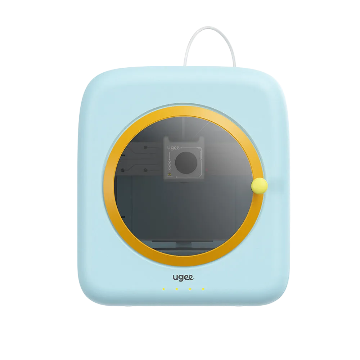
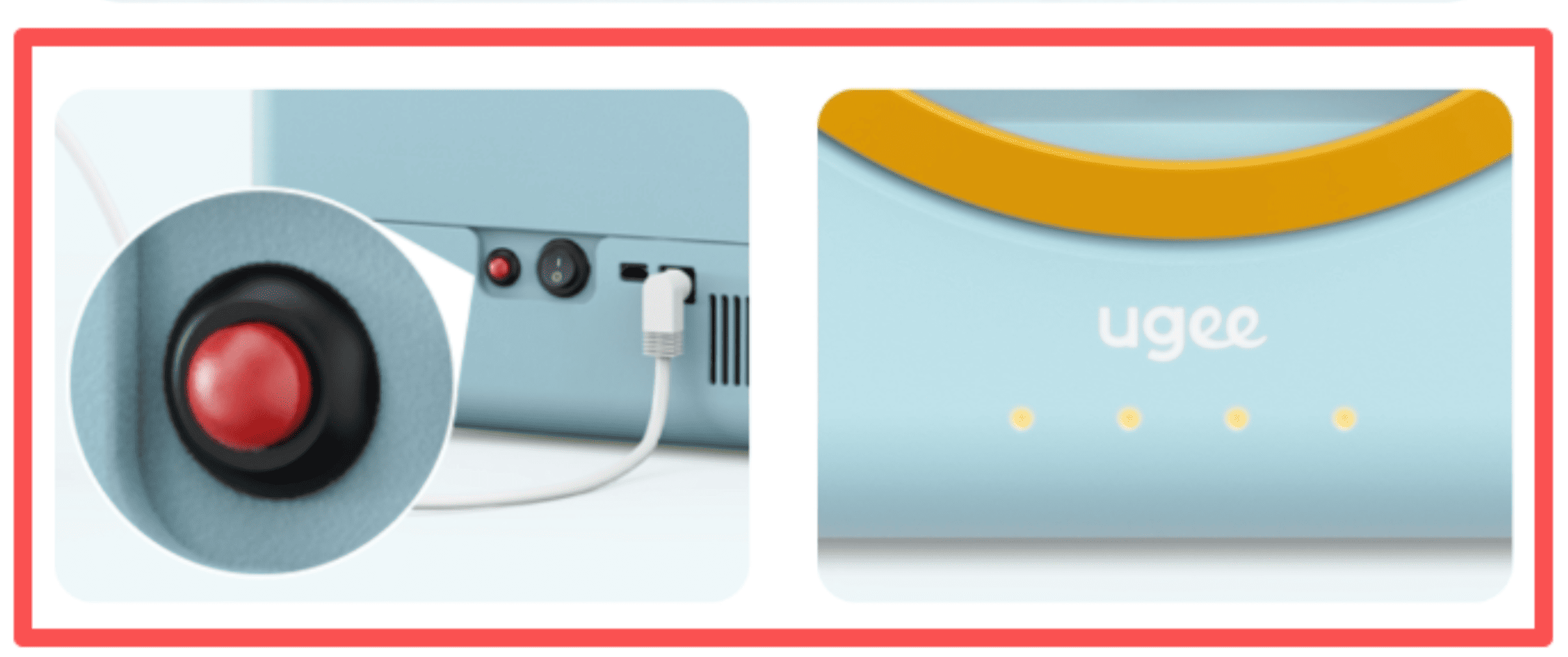
Must the printer indicator light remain solid yellow during connection?
A solid yellow indicator means the printer is ready to be paired again. Set the light to solid yellow when
① pairing the printer for the first time;
② restarting the network configuration process after a failed connection; or ③ the phone cannot find the printer. Otherwise, the phone will not be able to discover the printer.
Please select your country/region
North America
South America
Oceania
Europe