



Quick Search
Digital Drawing Tablet
Drawing Monitor
3D Printer
Accessories
Support
Language
Please select your country/region
North America
South America
Oceania
Europe
Quick Search
Digital Drawing Tablet
Drawing Monitor
3D Printer
Accessories
Support
Please select your country/region
North America
South America
Oceania
Europe
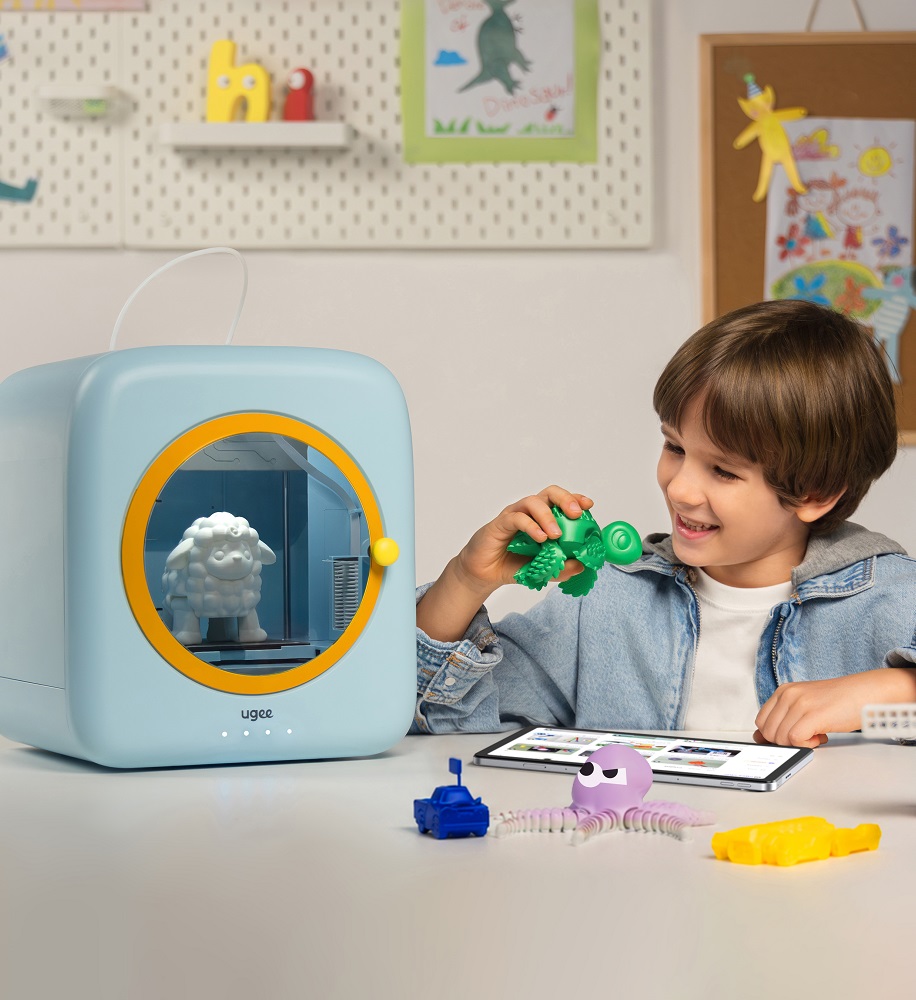
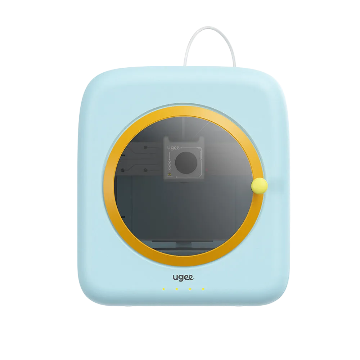
Why can't the printer be found during scanning?
1. Some mobile devices automatically switch networks. Make sure the printer and the device you are connecting (phone, tablet, or computer) are on the same network.
2. Restart the app, router, and printer, then reconnect.
3. Make sure the Wi-Fi's guest mode is disabled (network access is restricted in Guest mode).
Please select your country/region
North America
South America
Oceania
Europe