









Ricerca veloce
Tavoletta grafica digitale
Tavoletta grafica con schermo
Stampante 3D
Supporto
Language
Scegli il tuo paese
North America
South America
Oceania
Europe
Ricerca veloce
Tavoletta grafica digitale
Tavoletta grafica con schermo
Stampante 3D
Supporto
Scegli il tuo paese
North America
South America
Oceania
Europe
How to fix layer separation, missing layers, or an inconsistent first layer?
Layer separation, missing layers, or an inconsistent first layer are usually caused by under-extrusion.
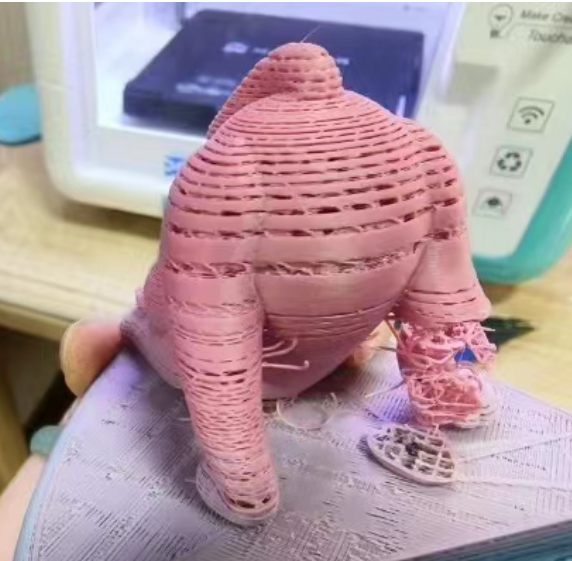
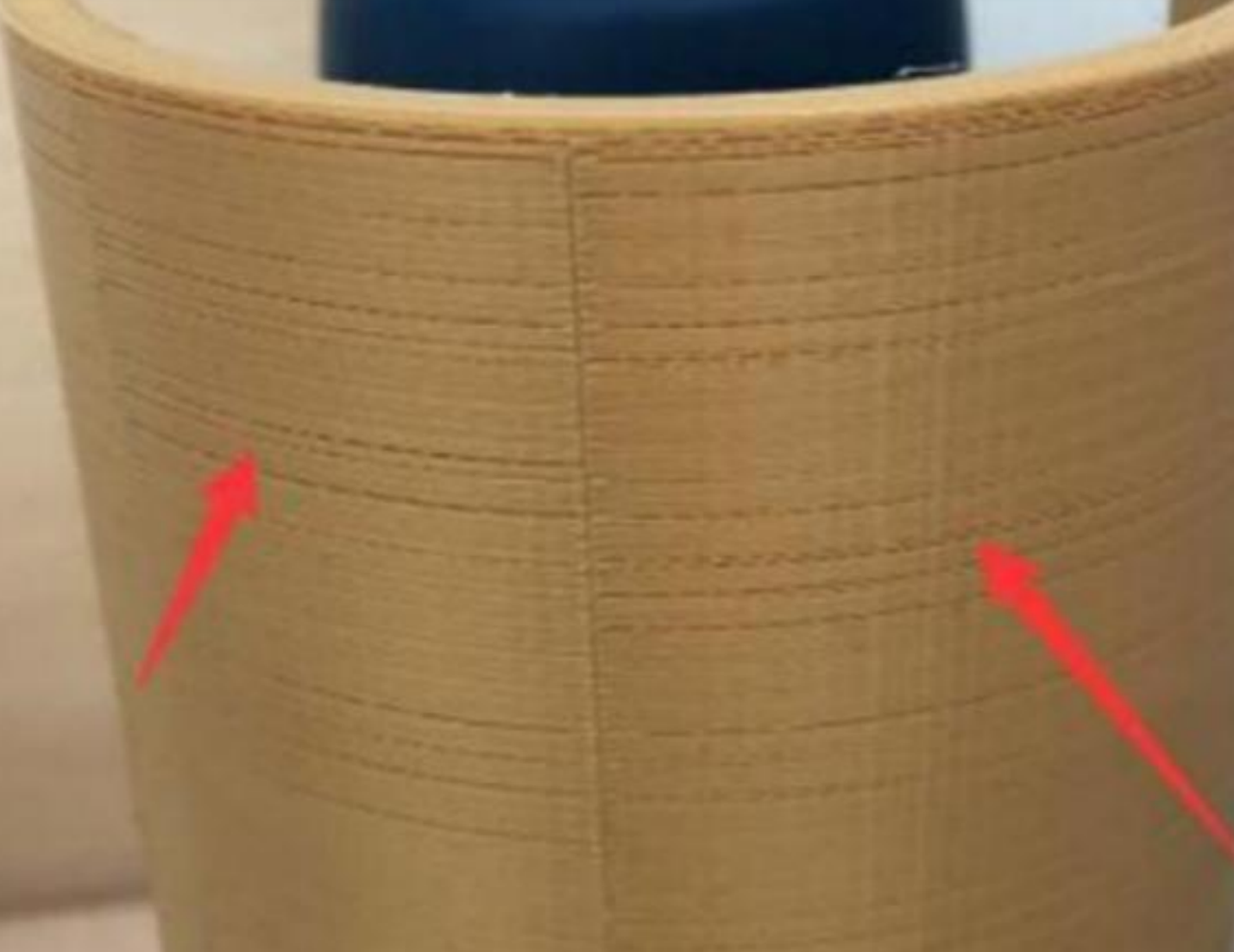
1. Nozzle clog: Check for a nozzle clog, as partial blockages can reduce extrusion flow. Refer to the User Manual Section 4.3 Nozzle Clog to clean the nozzle.
2. Incorrect print temperature: The app's default temperature may not be optimized for third-party filament. Refer to the User Manual Section 3.1.2 Advanced Printing to adjust the temperature.
3. Damp or degraded filament: Using degraded or moisture-absorbed filament can cause uneven flow and stringing. Replace the filament and try again.
Scegli il tuo paese
North America
South America
Oceania
Europe