


빠른 조회
디지털 드로잉 태블릿
드로잉 모니터
태블릿 PC
국가 / 지역을 선택하십시오
North America
South America
Oceania
Europe
빠른 조회
디지털 드로잉 태블릿
드로잉 모니터
태블릿 PC
국가 / 지역을 선택하십시오
North America
South America
Oceania
Europe
A warm prompt pops up: Printer [400041034] has an error. [130]: Printer control system error, please restart the printer.
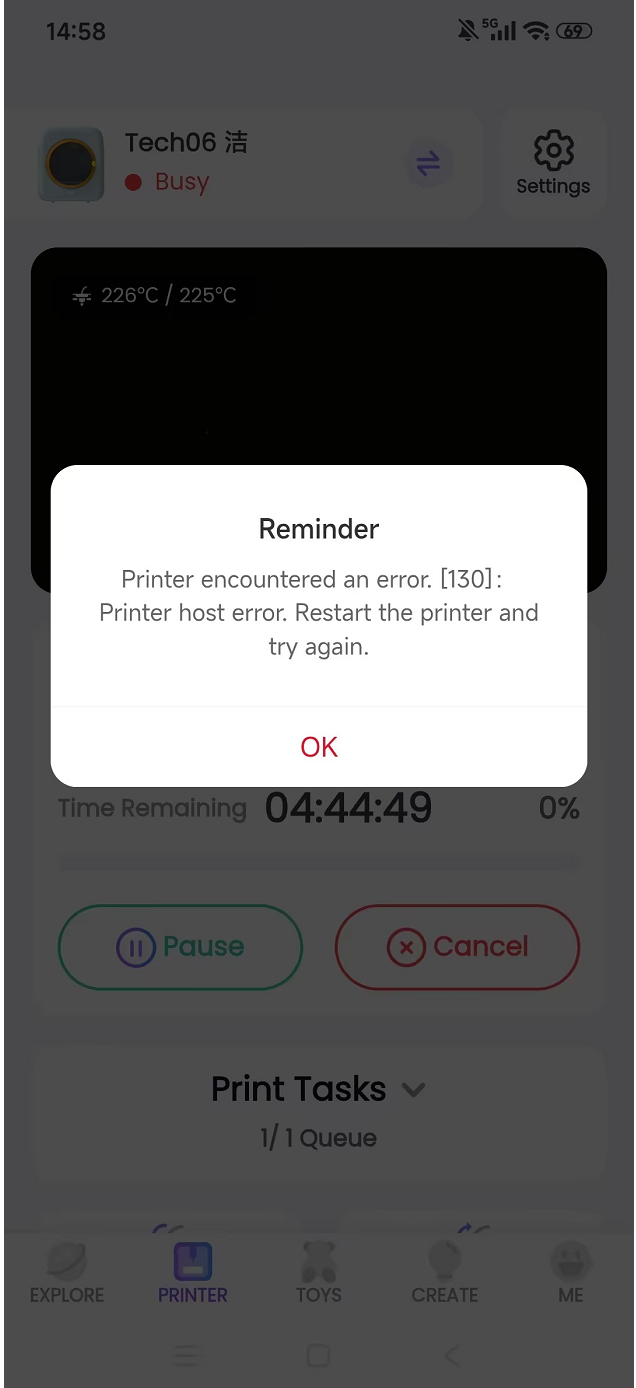
This error can be caused by many factors. You can troubleshoot it in the following ways;
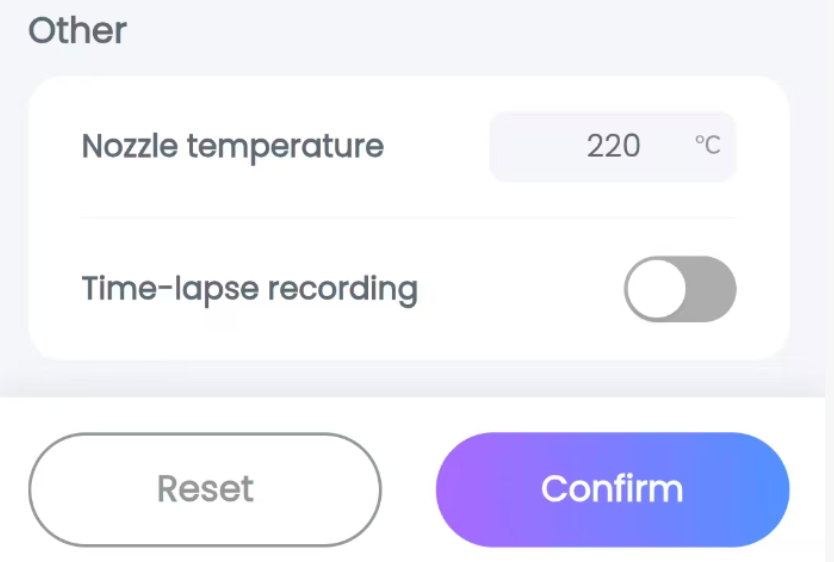
Step 1: Check which stage of the printing process you are in. If this problem occurs halfway through printing, you need to stop the print and increase the print temperature by 5°C the next time you print with the same filament.
Operation Steps: Go to the Print Settings page, tap Print Settings, select the three-horizontal-line icon in the top right corner to enter the parameters interface, and adjust the temperature to 225°C;
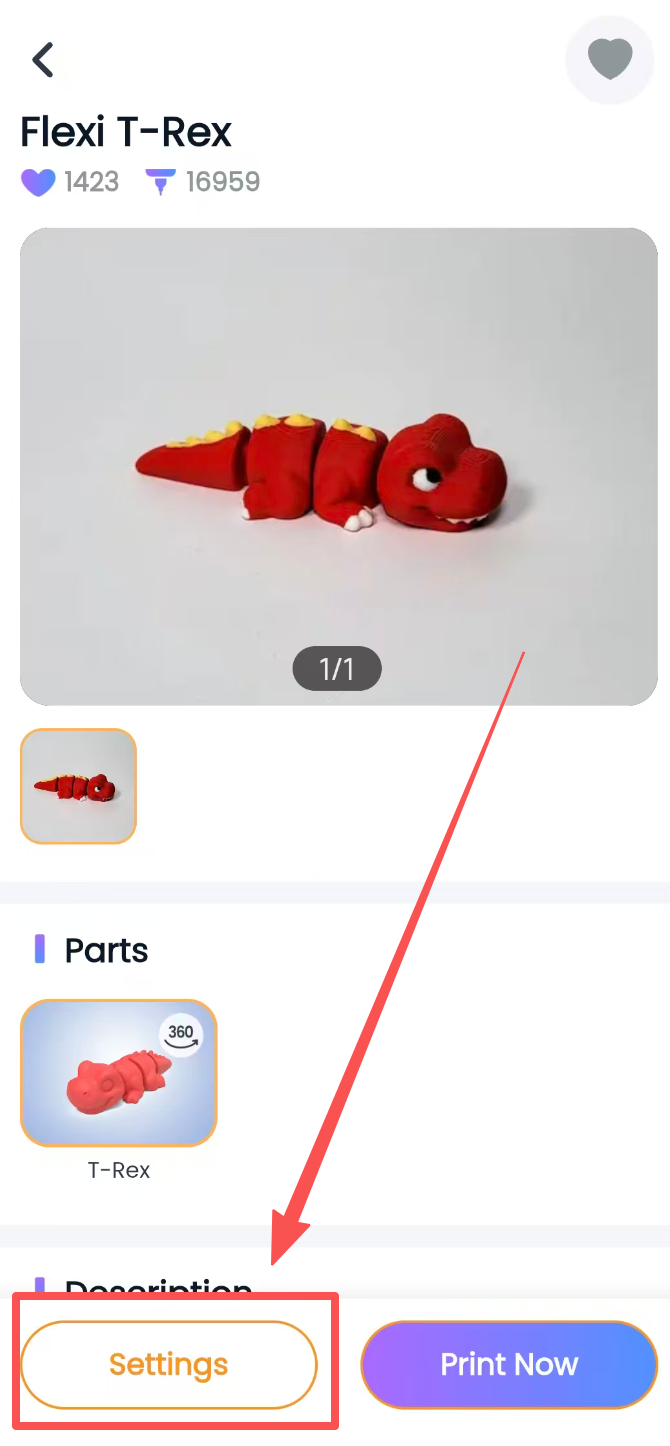
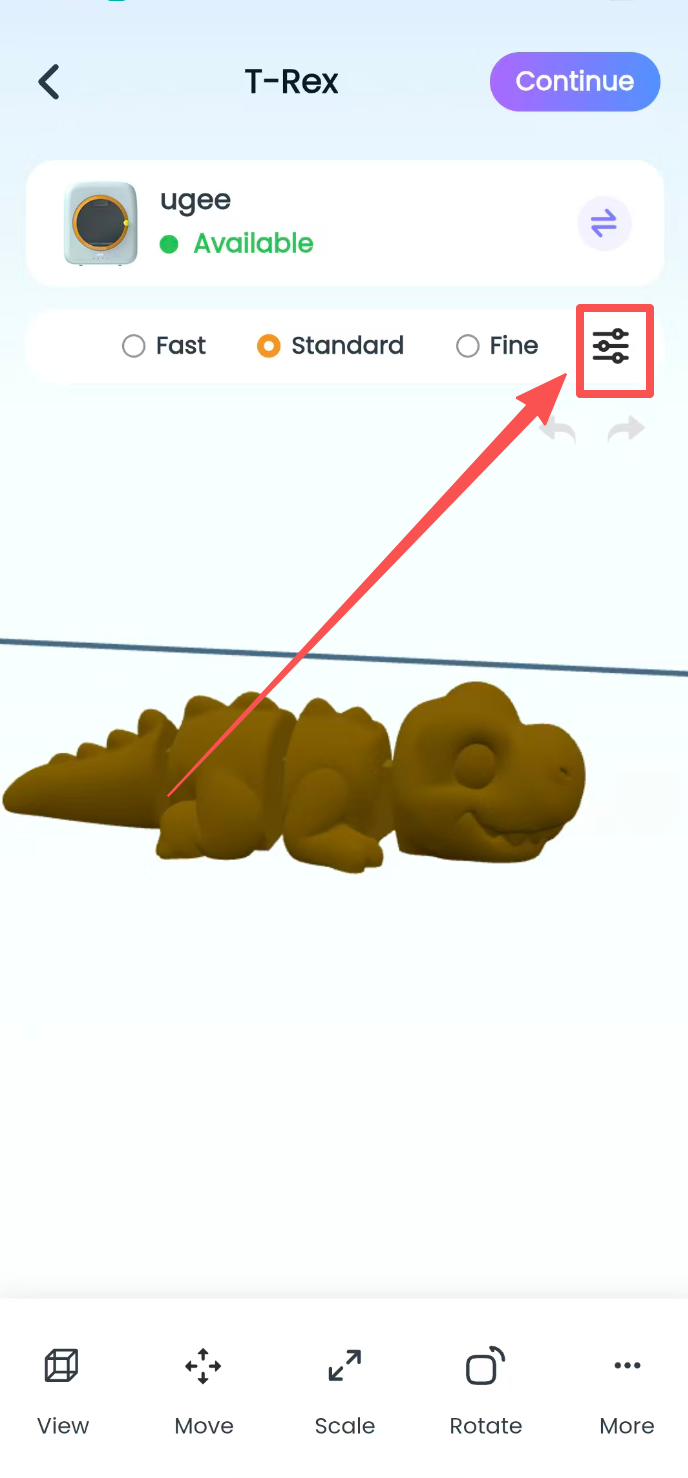
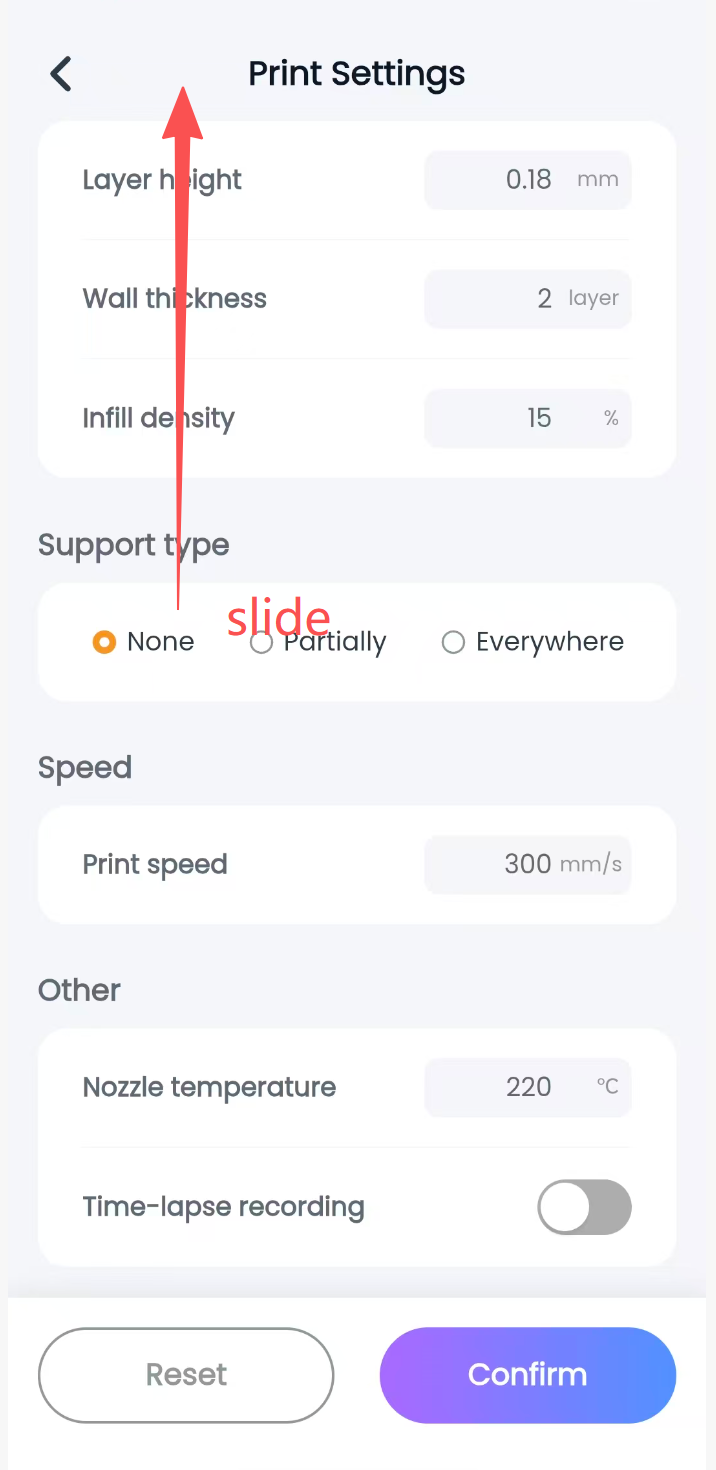
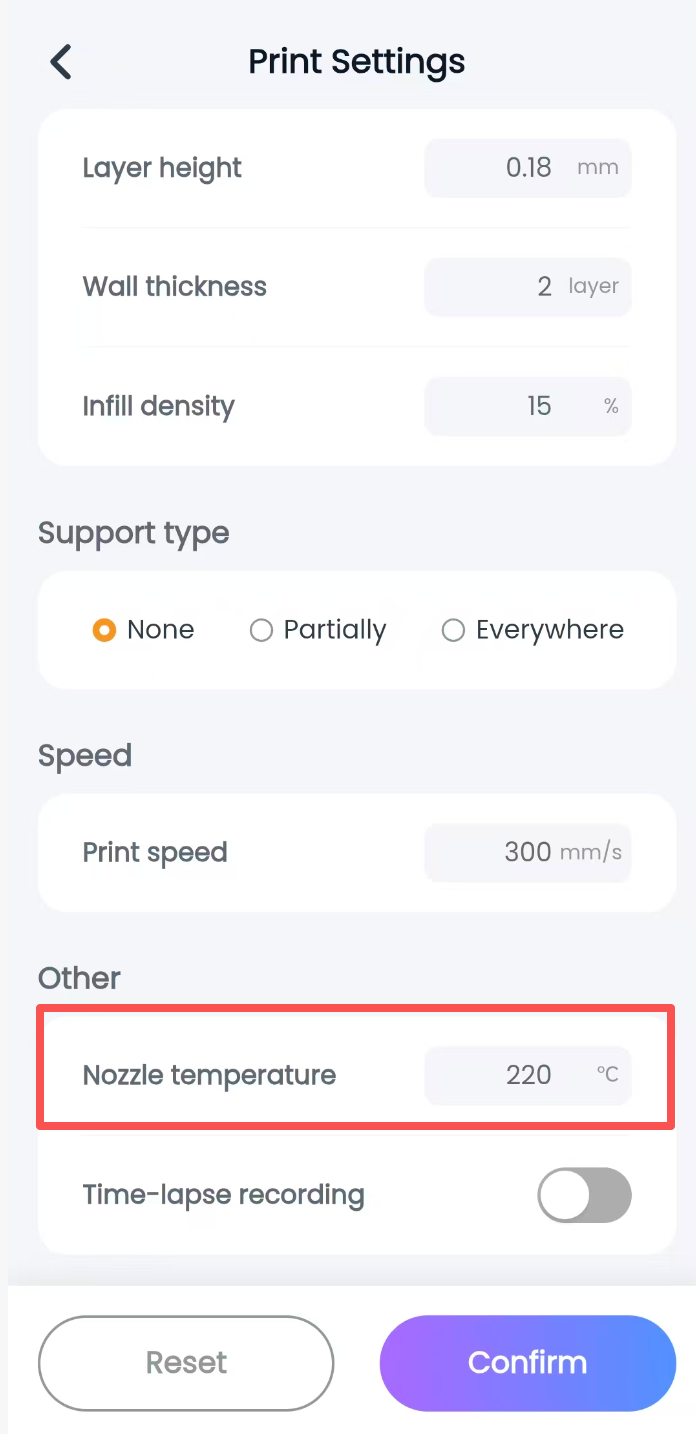
Step 2: Check if this is the first time this has happened. If so, exit the app first and power off the printer. Check if the filament temperature is appropriate?
You can check according to the temperature indicated on the filament spool. The default print temperature in the app is 220°C. Generally, a print temperature slightly higher than the filament temperature is acceptable.
Our machine can only print with safe PLA filament at 190°C-210°C. Using other filaments will cause errors.
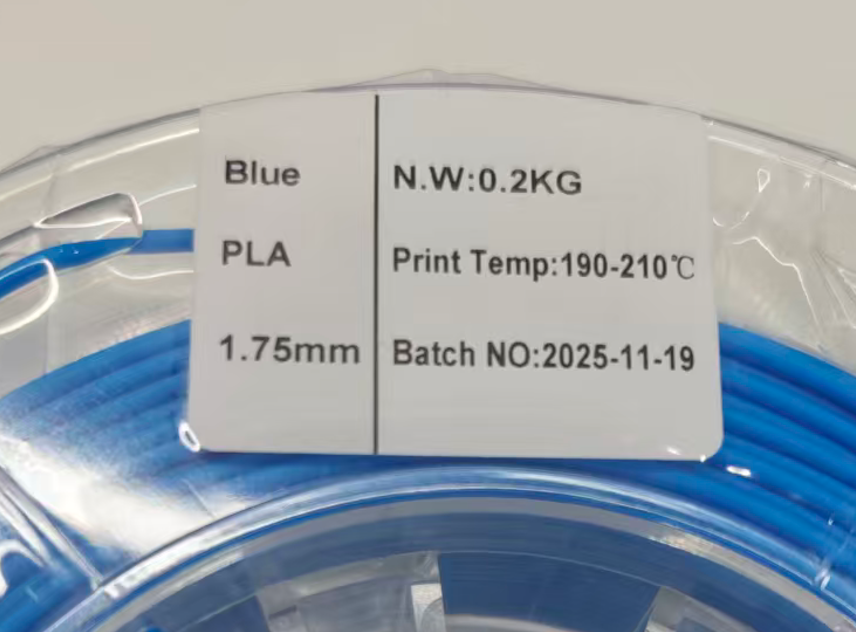
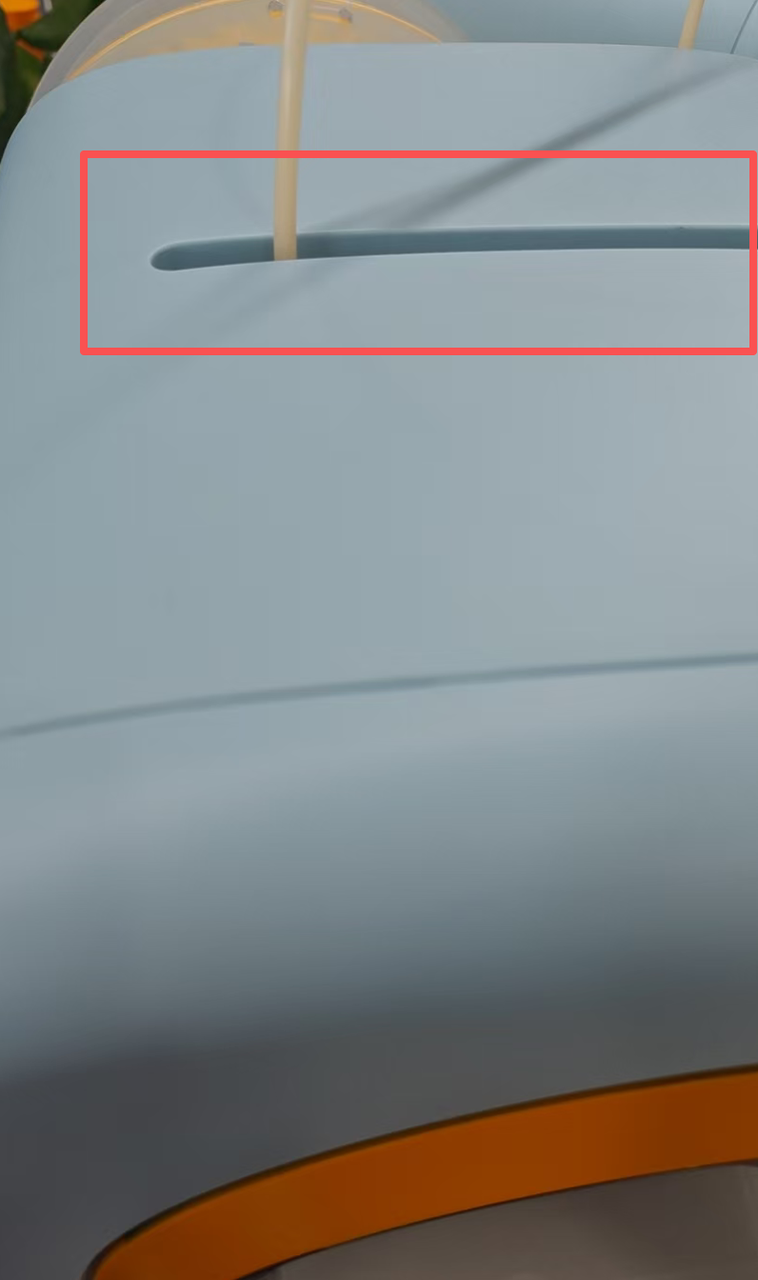
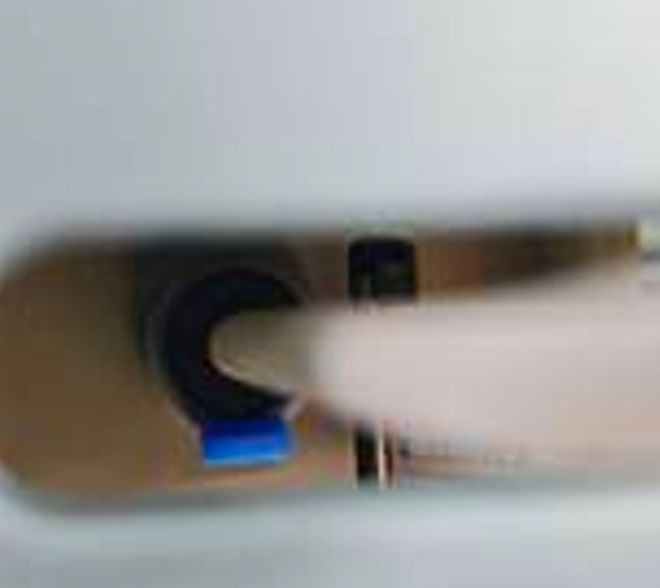
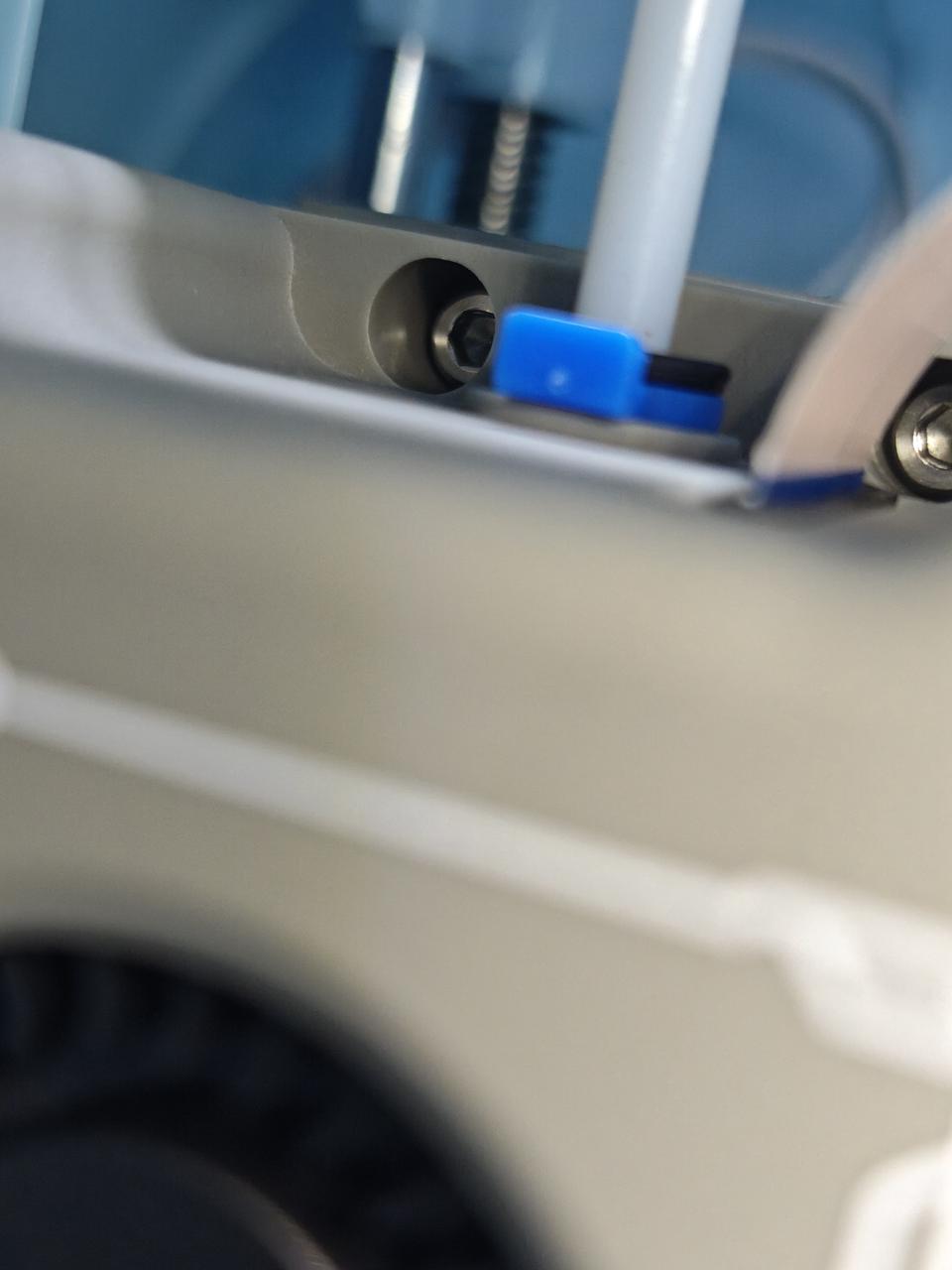
Step 3: If the print temperature setting is normal, wait for the nozzle to cool down (30 minutes after turning off the printer). Check if the blue plug of the nozzle is in the correct position? You can check through the feed port on top of the printer whether there is a blue plug on top of the nozzle and if it is properly positioned.
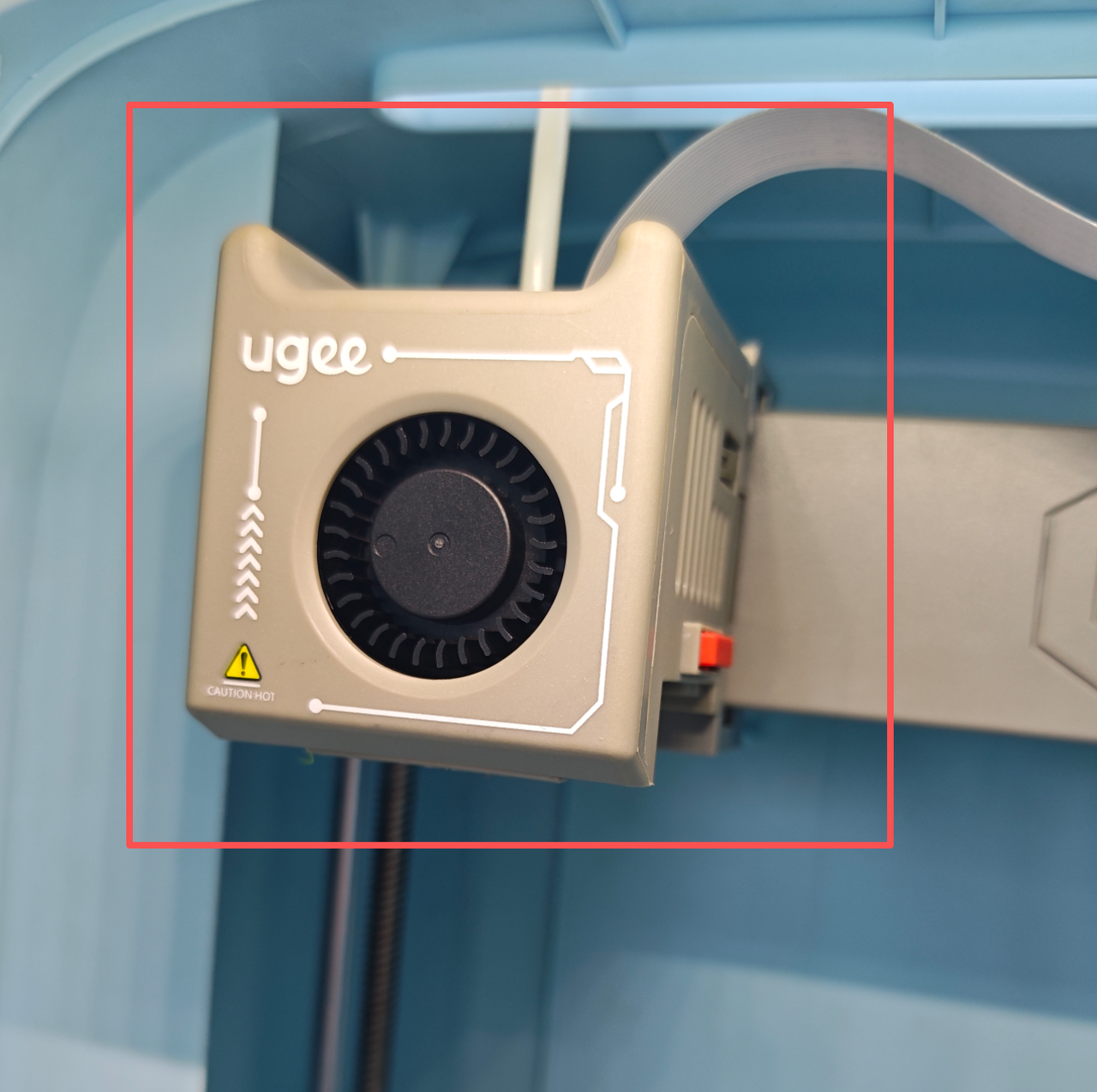
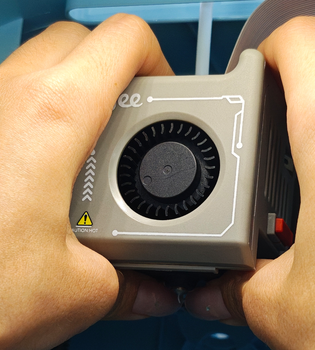
Step 4: Press down on the print head with both hands, then restart the printer and perform the printer network configuration again.
Step 5: If the 130 error popup still keeps appearing after these operations, you need to perform a quick-release nozzle operation.
국가 / 지역을 선택하십시오
North America
South America
Oceania
Europe