








빠른 조회
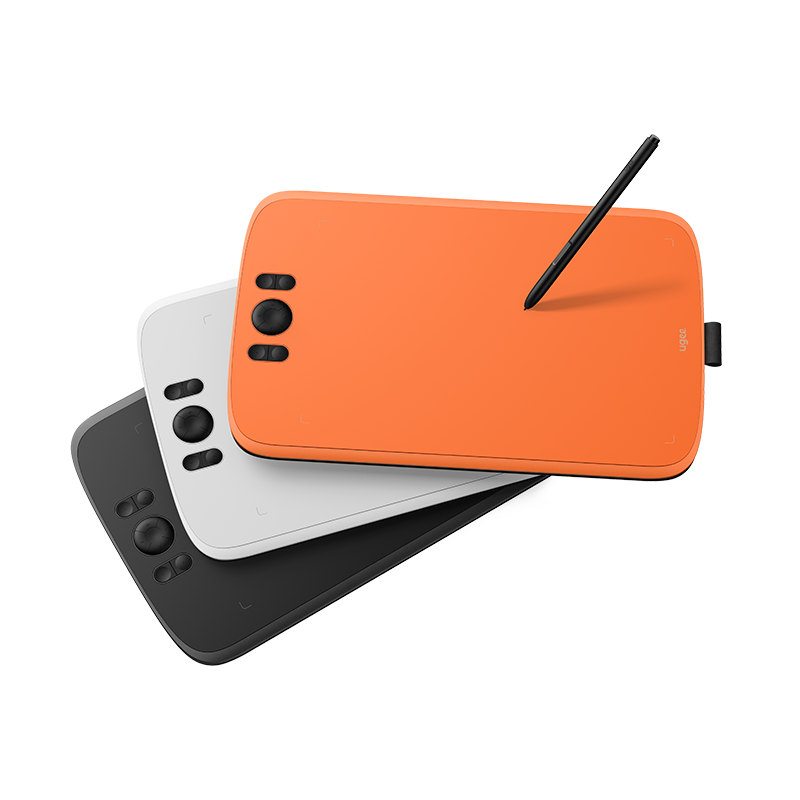
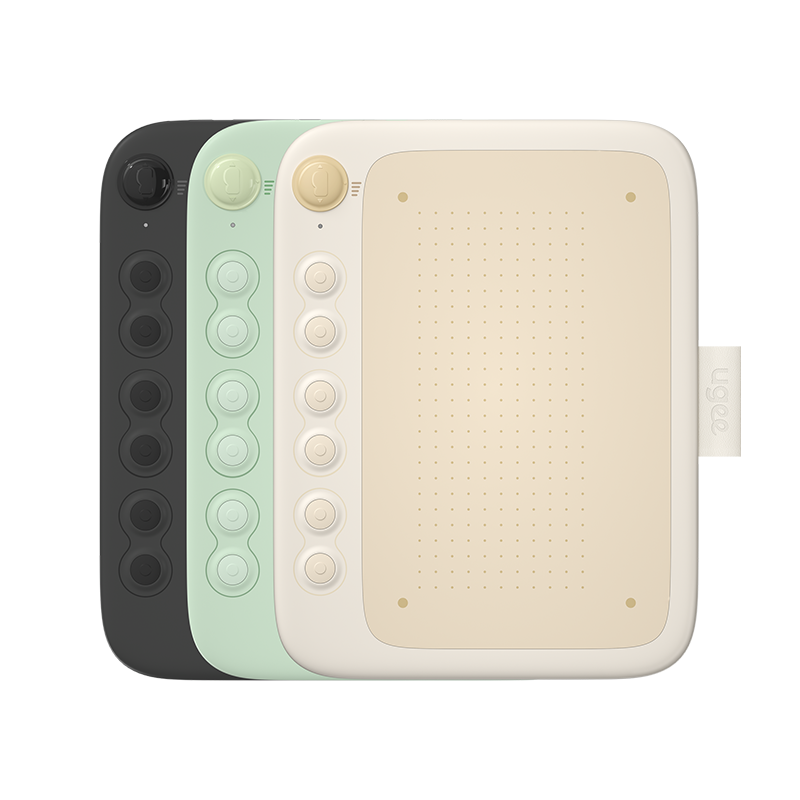
디지털 드로잉 태블릿
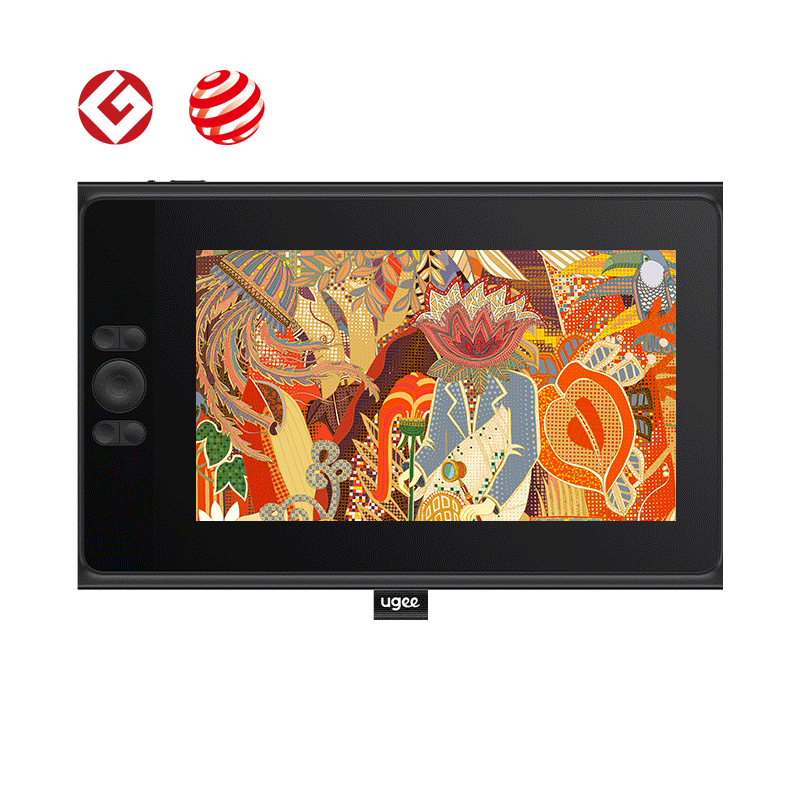
드로잉 모니터
태블릿 PC
국가 / 지역을 선택하십시오
North America
South America
Oceania
Europe
빠른 조회
디지털 드로잉 태블릿
드로잉 모니터
태블릿 PC
국가 / 지역을 선택하십시오
North America
South America
Oceania
Europe
How to fix poor bed adhesion or warping?
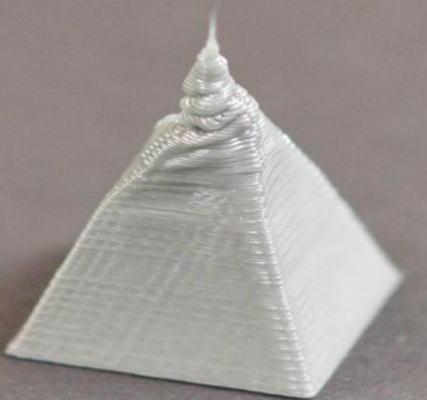
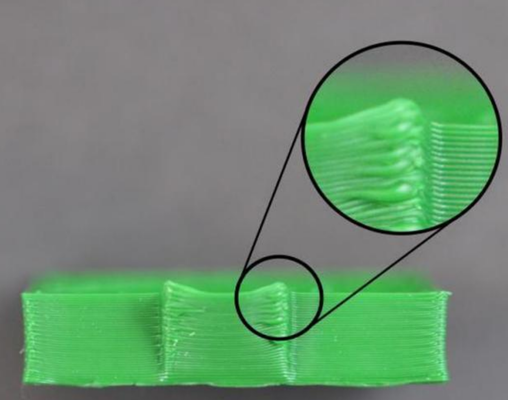
Layers bulging outward or downward, poor adhesion, or warping are typically caused by overheating.
1. Print temperature too high: Refer to the User Manual Section 3.1.2 Advanced Printing to reduce the nozzle temperature.
2. Printing speed too high: Refer to the User Manual Section 3.1.2 Advanced Printing to reduce print speed. In Standard mode, the default is 300 mm/s — try reducing by 10–20 mm/s and observe.
국가 / 지역을 선택하십시오
North America
South America
Oceania
Europe