



빠른 조회
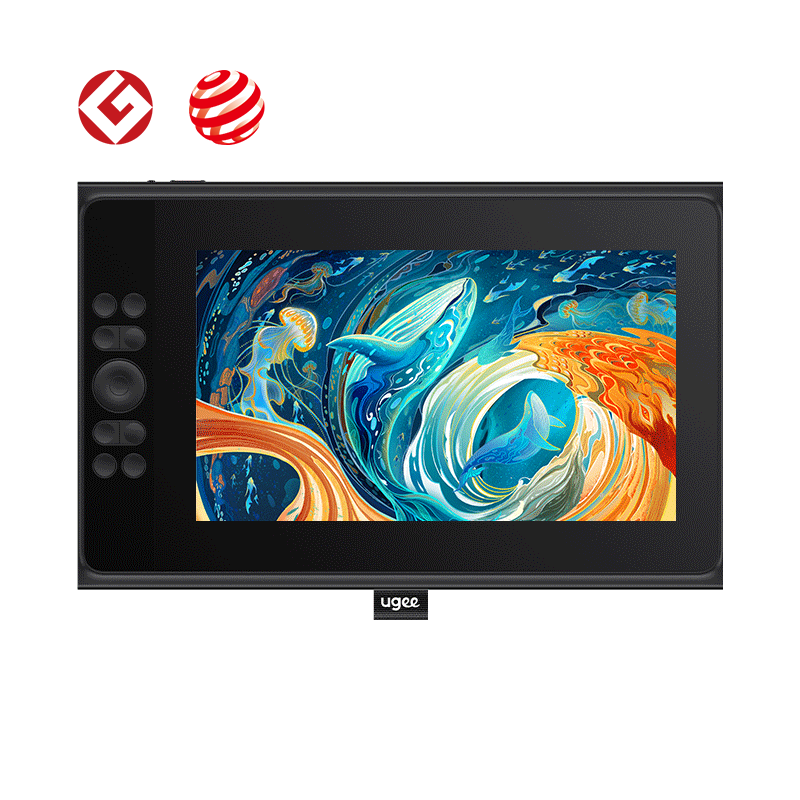
디지털 드로잉 태블릿
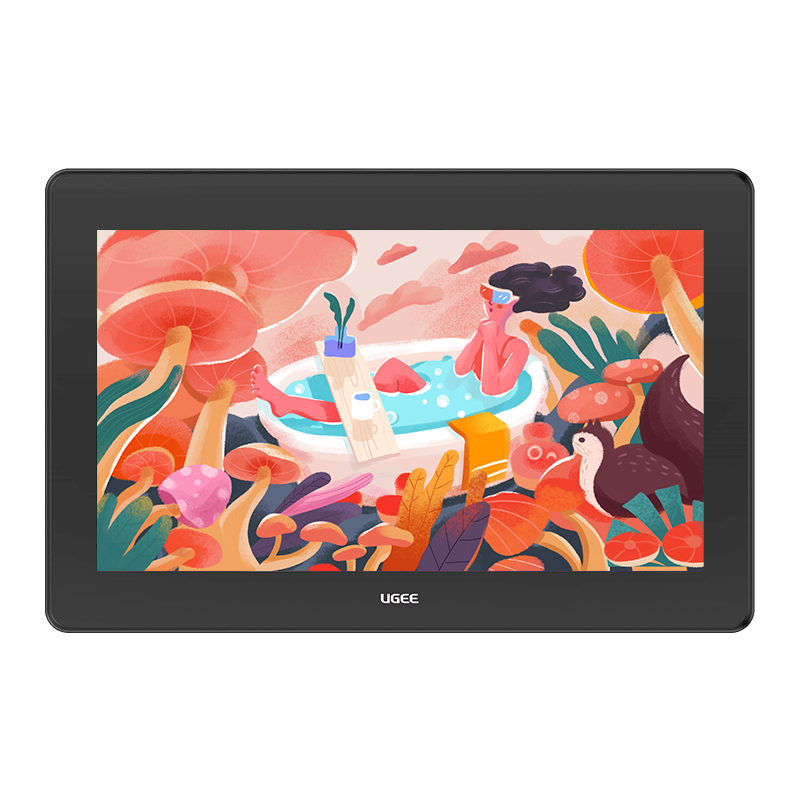
드로잉 모니터
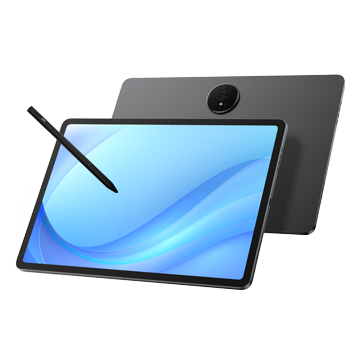
태블릿 PC
국가 / 지역을 선택하십시오
North America
South America
Oceania
Europe
빠른 조회
디지털 드로잉 태블릿
드로잉 모니터
태블릿 PC
국가 / 지역을 선택하십시오
North America
South America
Oceania
Europe
How to fix stringing in 3D prints?
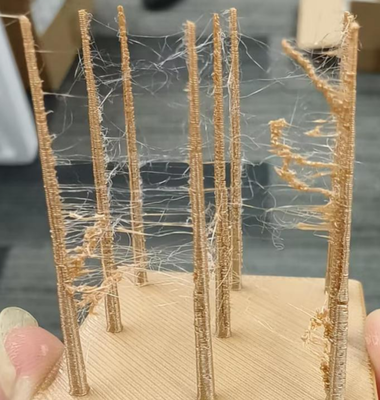
Stringing may occur when the print head travels a long distance within a layer.
1. Print temperature too high: Refer to the User Manual Section 3.1.2 Advanced Printing to reduce the nozzle temperature.
2. Damp or degraded filament: Using degraded or moisture-absorbed filament can cause uneven flow and stringing. Replace the filament and try again.
국가 / 지역을 선택하십시오
North America
South America
Oceania
Europe