







クイック検索
ペンタブレット
液晶ペンタブレット
3Dプリンター
アクセサリー
あなたの国/地域を選択してください
North America
South America
Oceania
Europe
クイック検索
ペンタブレット
液晶ペンタブレット
3Dプリンター
アクセサリー
あなたの国/地域を選択してください
North America
South America
Oceania
Europe
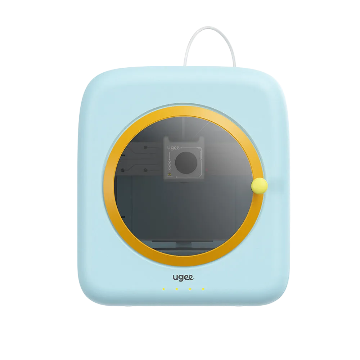
Why does the connection fail with the indicator light flashing red?
1. Reset the printer: press and hold the reset button until you hear a "beep," then release. When the indicator turns solid yellow, the network setup system is ready.
2. Tap "Add Printer" and follow the app prompts to redo the network setup. Make sure the Wi-Fi password is entered correctly or switch to a different network.
あなたの国/地域を選択してください
North America
South America
Oceania
Europe