How to fix layer shifting or layer stacking?
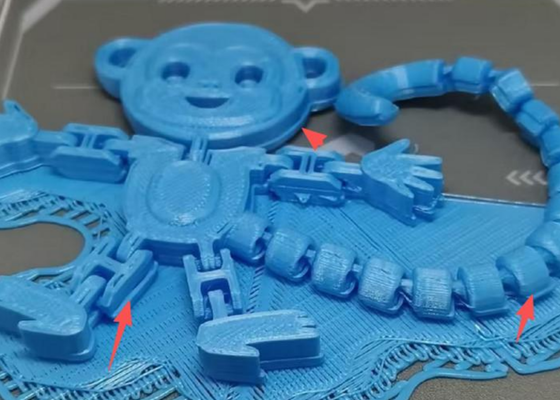
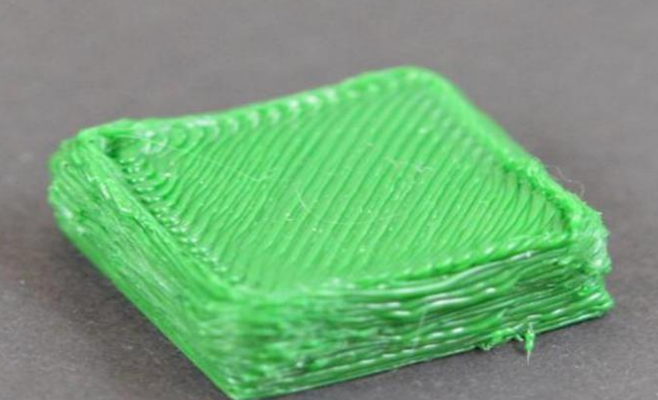
Minor layer shifts or severe layer stacking are usually caused by incorrect print parameter settings.
1. Printing speed too high: Refer to the User Manual Section 3.1.2 Advanced Printing to reduce print speed. In Standard mode, the default speed is 300 mm/s — try reducing by 10–20 mm/s and observe.
2. Over-extrusion: If adjusting speed doesn't help and layer stacking remains severe, reset the parameters as follows:
a. Refer to the User Manual Section 3.1.2 Advanced Printing, go to the print settings page, and tap "Restore Defaults" to reset to factory parameters.
b. Refer to the User Manual Section 3.3.1 Calibration and Leveling and re-run calibration and leveling.