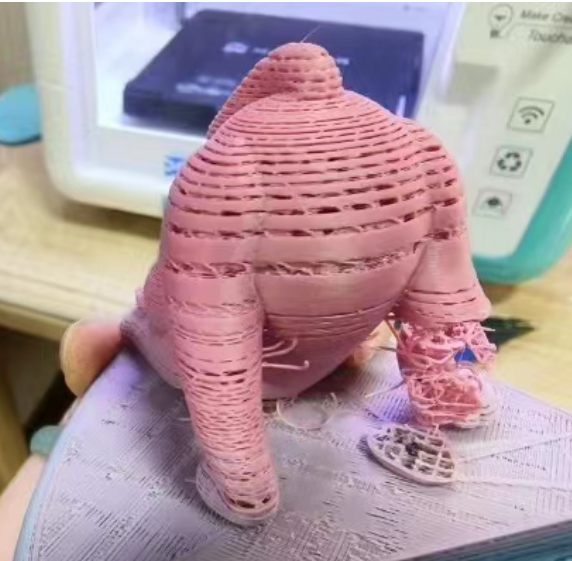
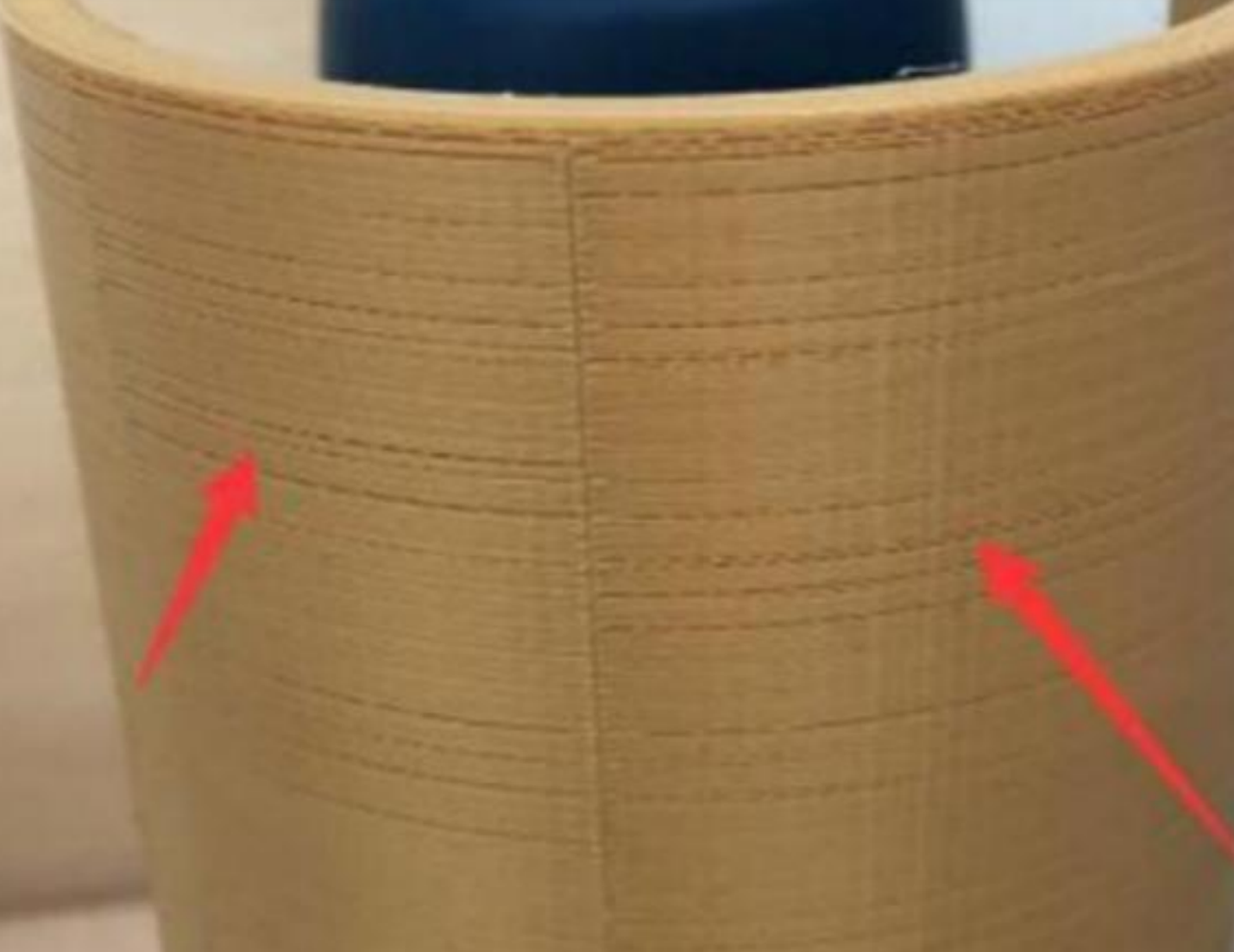
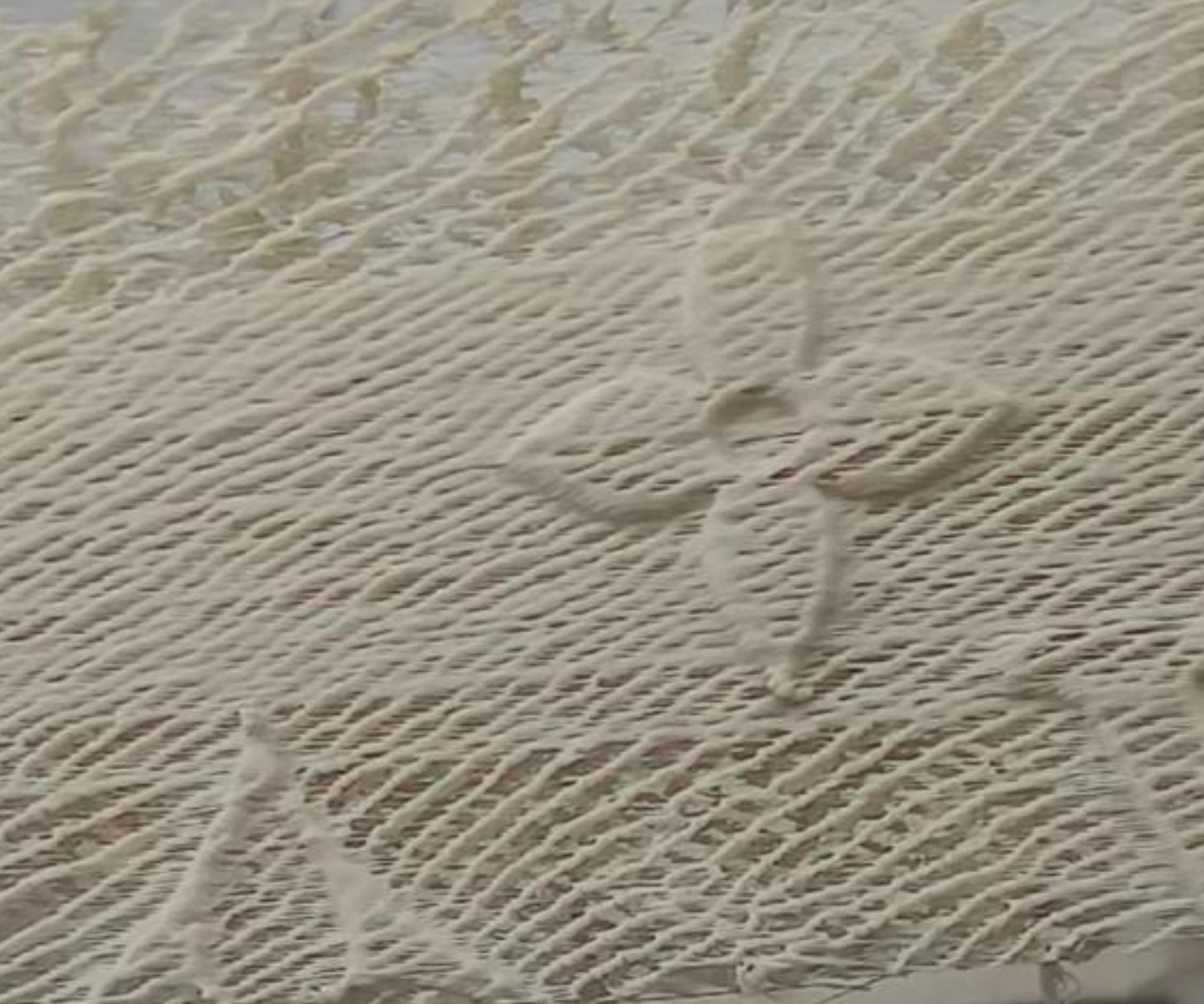
How to fix layer separation, missing layers, or an inconsistent first layer?
Layer separation, missing layers, or an inconsistent first layer are usually caused by under-extrusion.
1. Nozzle clog: Check for a nozzle clog, as partial blockages can reduce extrusion flow. Refer to the User Manual Section 4.3 Nozzle Clog to clean the nozzle.
2. Incorrect print temperature: The app's default temperature may not be optimized for third-party filament. Refer to the User Manual Section 3.1.2 Advanced Printing to adjust the temperature.
3. Damp or degraded filament: Using degraded or moisture-absorbed filament can cause uneven flow and stringing. Replace the filament and try again.